Using Your TacCoin Wallet
Using Your TacCoin Wallet
Your TacCoin Wallet allows you to securely store, send, and receive cryptocurrencies. Here’s how to use it:
-
Access Your Wallet
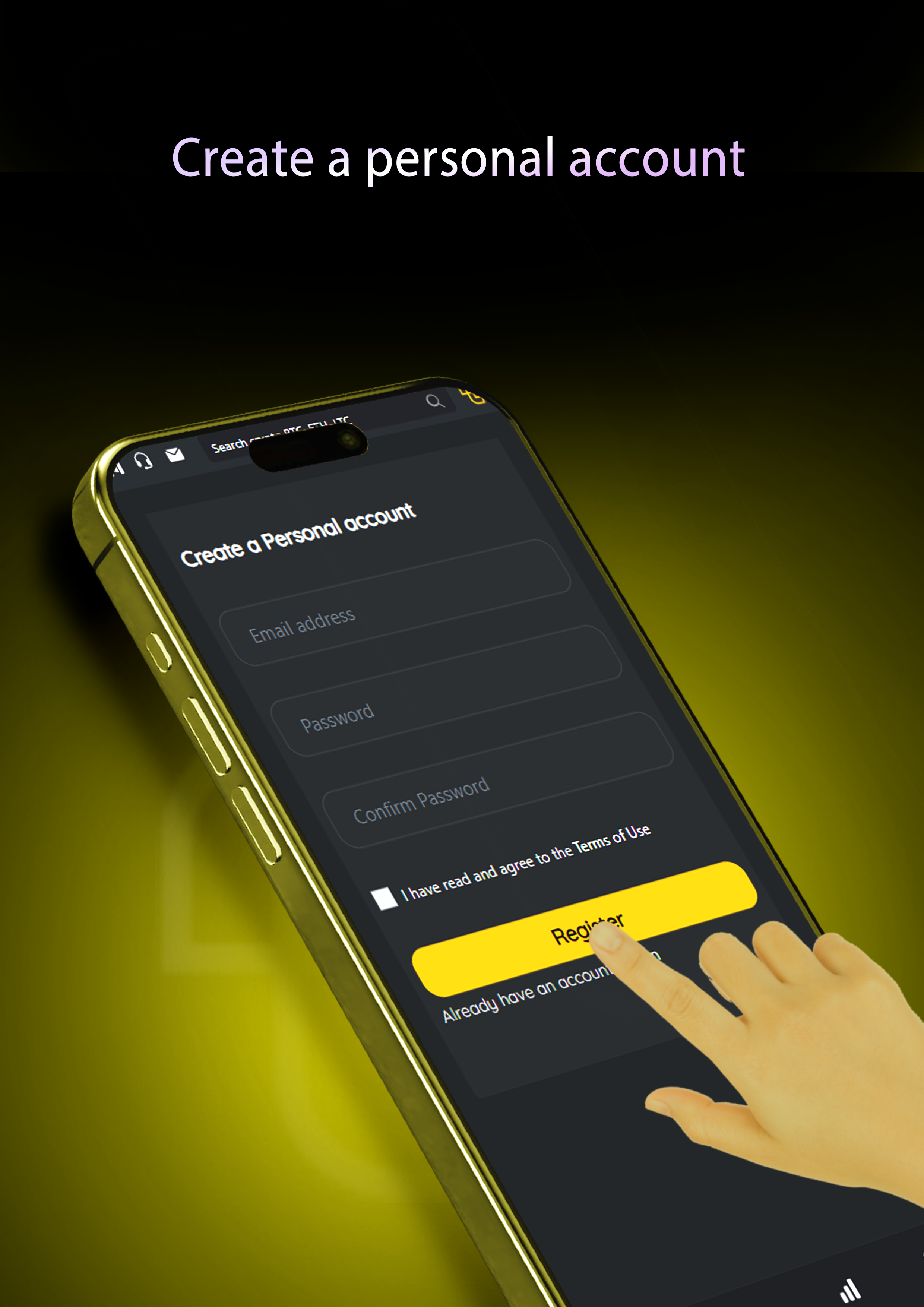
Log in to your TacCoin account and go to the Wallet section from the main menu. -
View Balances
You can see all your cryptocurrency balances and their current values in real-time. -
Receive Funds
-
Click Receive on the desired currency.
-
Copy the wallet address or scan the QR code.
-
Share this address to receive funds from another wallet or platform.
-
-
Send Funds
-
Click Send for the currency you want to transfer.
-
Enter the recipient’s wallet address.
-
Enter the amount you wish to send and confirm the transaction.
-
Some transactions may require 2FA verification for added security.
-
-
Deposit and Withdraw
-
To Deposit, select the currency, copy the address, and transfer funds from an external source.
-
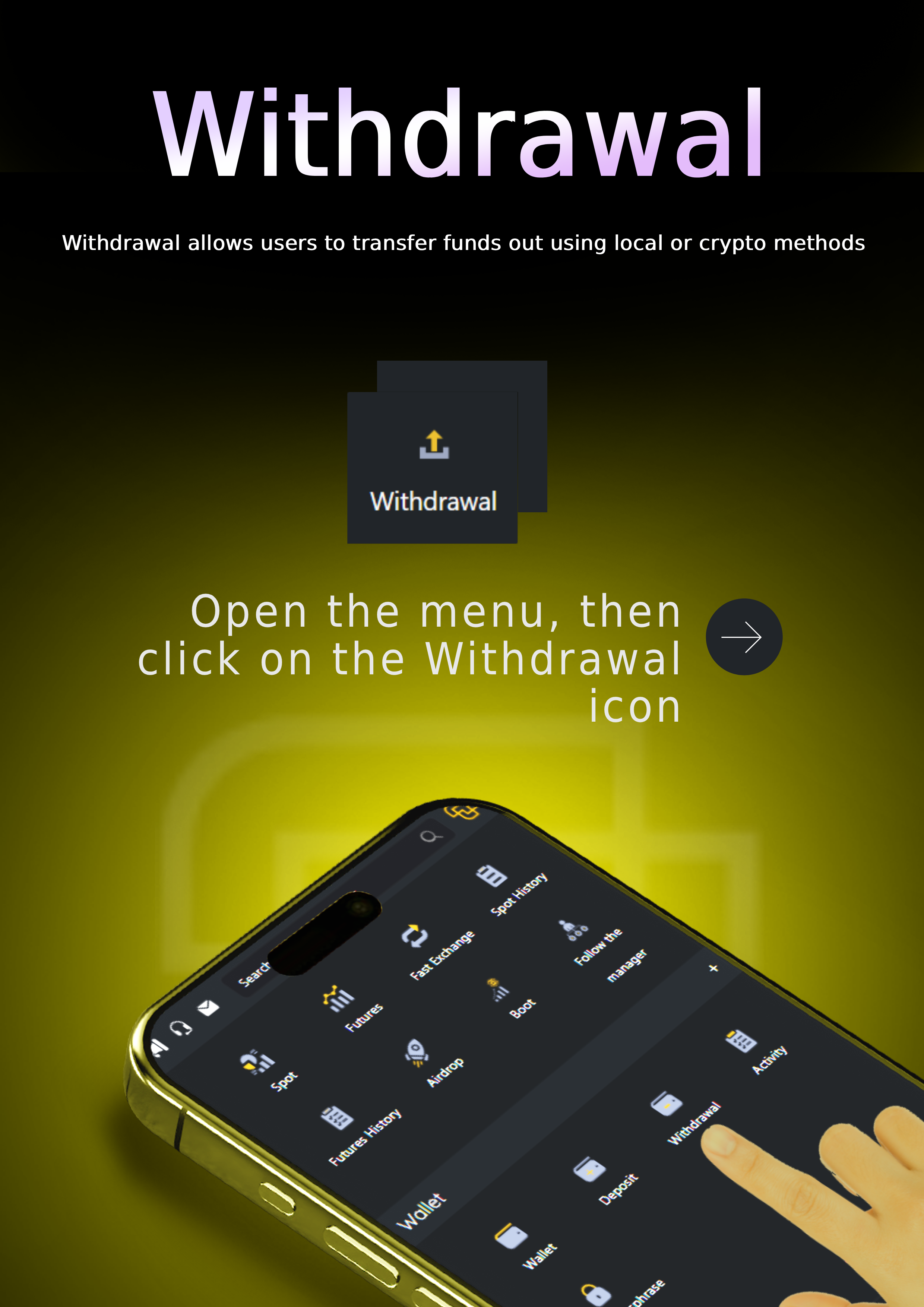
To Withdraw, follow the withdrawal instructions to send funds to an external wallet or bank account.
-
-
Transaction History
View all your deposits, withdrawals, and transfers in the Transaction History tab.
Academy